Trilogy Process

Your New Library Website: What to Expect at Every Step

Building a new website should be exciting — not another thing on your plate. This page walks you through our entire Trilogy process, phase by phase, so you always know what's happening, what's coming next, and what (if anything) we need from you.

Bookmark this page. Whenever you're wondering "what's next?" or "is this normal?", the answer is probably right here.

📅  Total timeline: about 8 weeks start to launch

Easy to manageYour team updates content — no tech expert needed
Mobile-friendlyLooks great on every phone, tablet, and computer
AccessibleMeets ADA and WCAG accessibility standards
Built for your communityDesigned around how your patrons use the library
Finished library website shown on laptop and phone

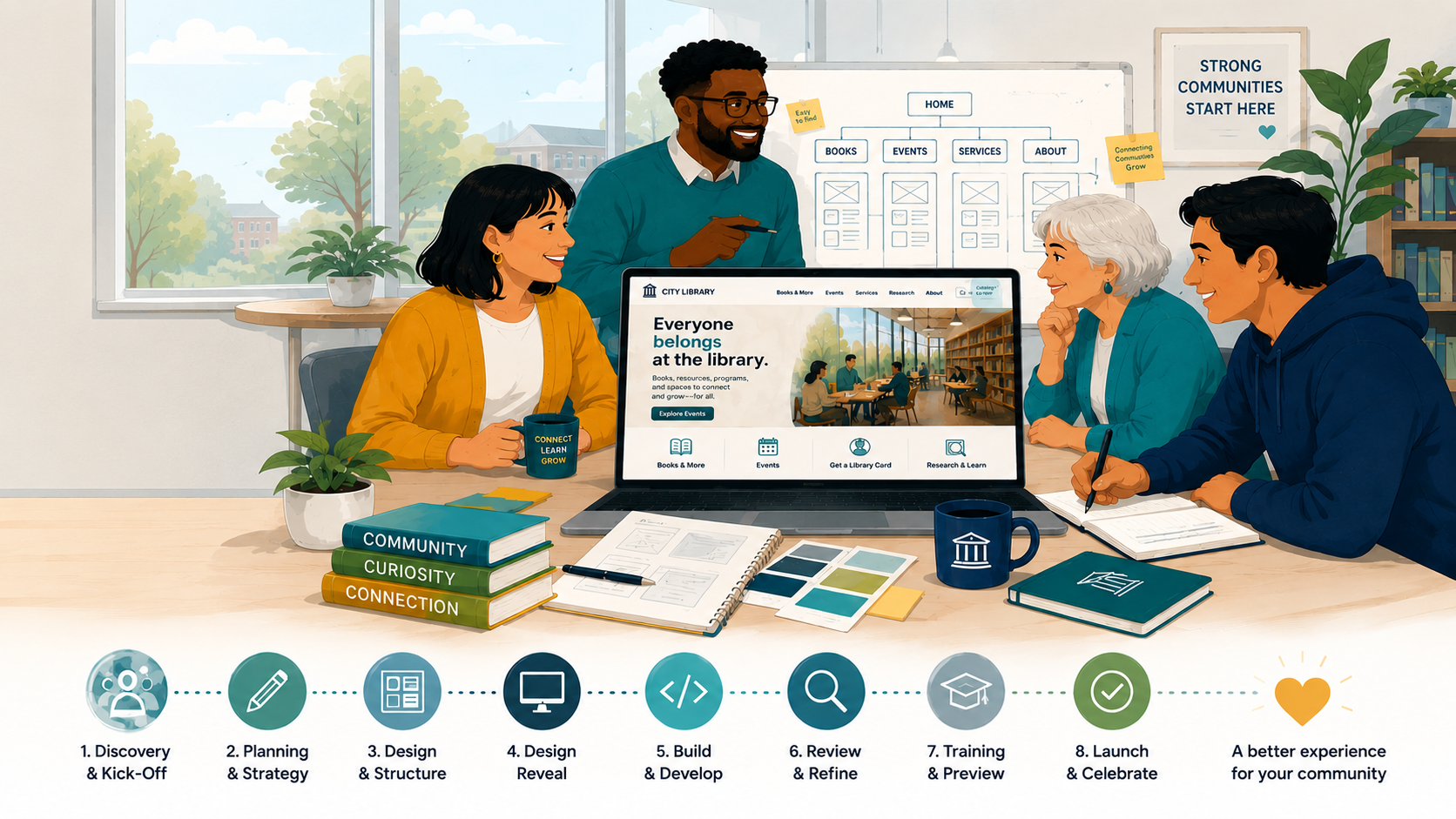
Your Timeline at a Glance

The 30-second version. Every phase is broken down in detail below.

PhaseWhat HappensHow LongWhat We Need From You
1 · Getting StartedQuestionnaireDays 1–5Branding files, questionnaire, Tech Spec Sheet
2 · DesignDesign reveal + your feedback1–2 weeksLoom review, feedback, final approval
3 · Build & TrainingWe build; you preview and train5–8 weeksNothing at first, then training + review
4 · LaunchQuality checks, then go live~1 weekPick a launch date with your account manager
5 · Post-LaunchSupport while you settle in1–2 weeksJust your questions!

Our website projects follow a fixed timeline that's designed to keep your project on schedule, within budget, and free from unnecessary extensions or additional costs. While we're happy to schedule your project start around your team's availability once your project begins we ask that review windows and milestones are met so we can maintain momentum and deliver your website on time.

Questions about the overall timeline

How long does the whole process take?

About 8 weeks start to launch, depending on how quickly feedback and approvals come back from your team. The fastest way to keep your project on schedule is to return homework and feedback within the timeframes listed above.

What if our team needs more time for reviews or approvals?

Our project timeline includes set windows for review, feedback, and approvals. Staying within those windows helps keep the project on schedule, within scope, and on budget. If your team has known scheduling conflicts, board meetings, vacations, or other timing considerations that could interrupt this timeline, let us know! Our team is happy to plan or postpone your kick-off date around your team's needs. Once the project begins, we’ll follow the timeline tied to your selected service level to avoid delays or overages. If more time is critical for your time, we can always discuss an addendum for a project extension.

Getting Started

Days 1–5

Step 1Tell Us Your Vision

We start by learning all about your library. We'll send you a short questionnaire covering your current frustrations, your goals for the new site, who your patrons are, and any special features you'd like to plan for.

Your part (homework)

Optional add-on: Want to hear directly from your community first? We can run patron surveys and heat mapping so the design is grounded in how people actually use your site.
Questions about this phase

Can we add patron or community feedback to the process?

Yes — we offer optional community surveys, heat mapping, and wireframe testing early in the project (Phases 1–2). Just mention it when you return your questionnaire, or earlier.

Do you make a backup of our existing website?

As part of Phase 1, we'll ask you to work with your current hosting provider or IT team to create a complete backup (ZIP archive) of your existing website (for you to keep for your own records). This ensures you have a copy of the site before any work begins.

Before launch, we'll confirm that this backup has been completed. If you're unable to obtain one yourself, our team can typically create a backup for you, provided we have the necessary access to your website and hosting environment.

By the end of Phase 1: We know your goals, your brand, and your vision — and we're off to the design studio.

Designing Your Site

1–2 weeks

Step 2The Big Design Reveal

🎬 Loom video⏱ 1–2 weeks

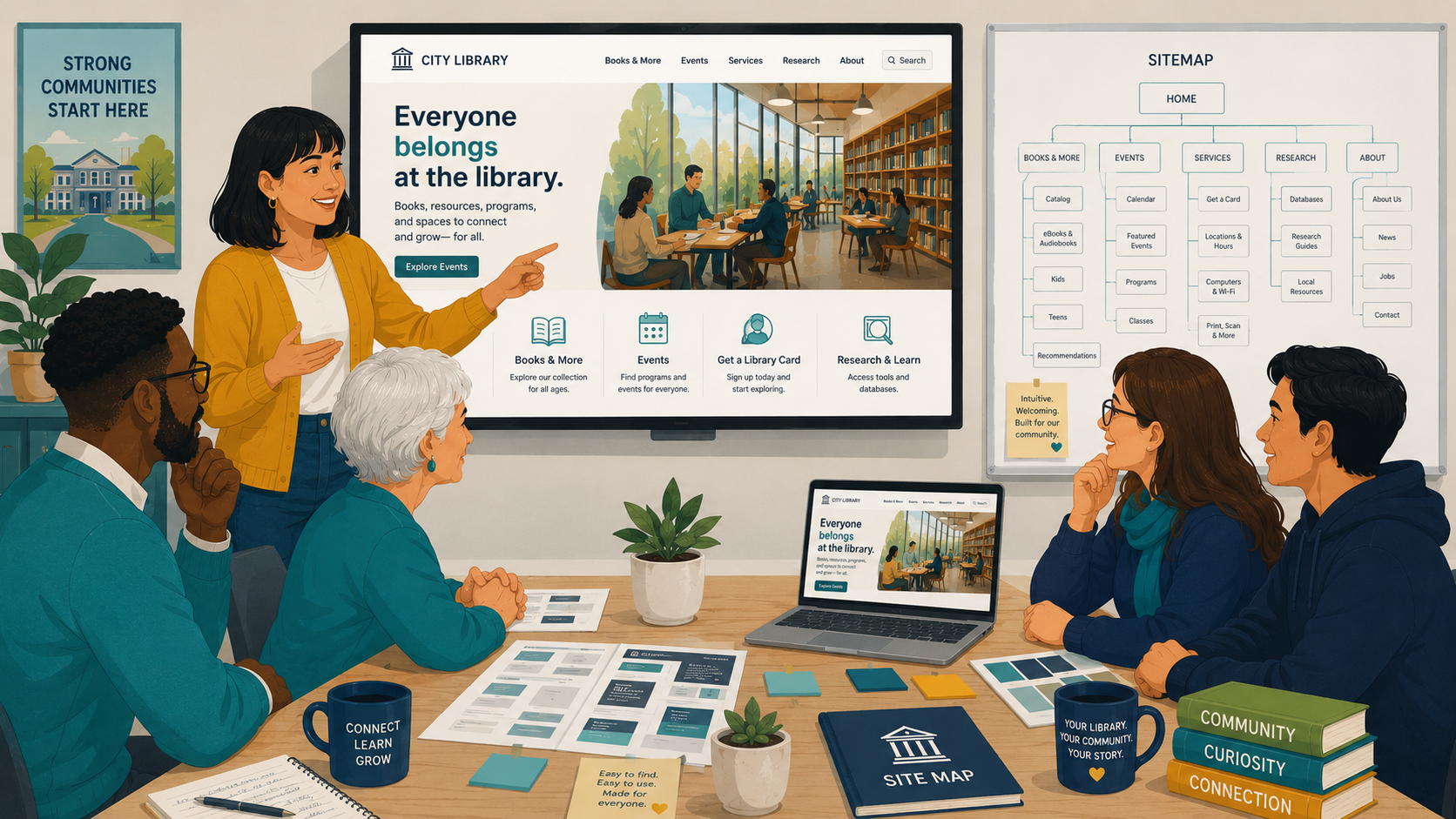
We share a Loom video presenting the full design of your new website — it looks and feels like the real thing — along with the proposed site structure (the "sitemap") so you can see how visitors will find resources and navigate the site.

Your part Review the Loom and provide feedback for the design and sitemap.
Homepage design wireframes and concept review

Step 3Finalizing the Look

⏱ 2–5 days

Take a few days to sit with the designs and gather feedback from your team.

Your part Send us your feedback. We'll work with you to refine the design and structure until it matches exactly what you want. We want you to love it.

Step 4Ready, Set, Build!

Once you give the final "go-ahead," our project lead approves everything and hands it to our technical team.

Your part One official approval — then you can relax.

Questions about this phase

When do we get to see the design?

At the Big Design Reveal (Step 2), about 1–2 weeks into the project. You'll receive a Loom video with the full design and sitemap — not rough sketches — so you can react to something that looks and feels like the real thing.

Can we make changes after we approve the design?

The design approval (Step 4) is what allows our developers to begin building, so significant design changes after that point can affect the timeline. That's why we build in a dedicated feedback window (Step 3) — take the time you need there.

By the end of Phase 2: Your design is approved and development begins.

Building & Training

5–8 weeks

Step 5Our Team Builds Your Site

⏱ Typically 4–6 weeks

This is where the magic happens. Our developers build your custom website, and we handle the content migration* — moving your existing content from the old site to the new one.

Your part: nothing! This stage is entirely on us. Quiet from us during this stretch is normal — it means heads-down building.
* Content migration is included up to a certain amount of content - this amount will be outlined in your project scope. You can request a quote for content migration after the build is complete.

Step 6Site Reveal & Hands-On Training

🗓 Meeting: 1–1.5 hours

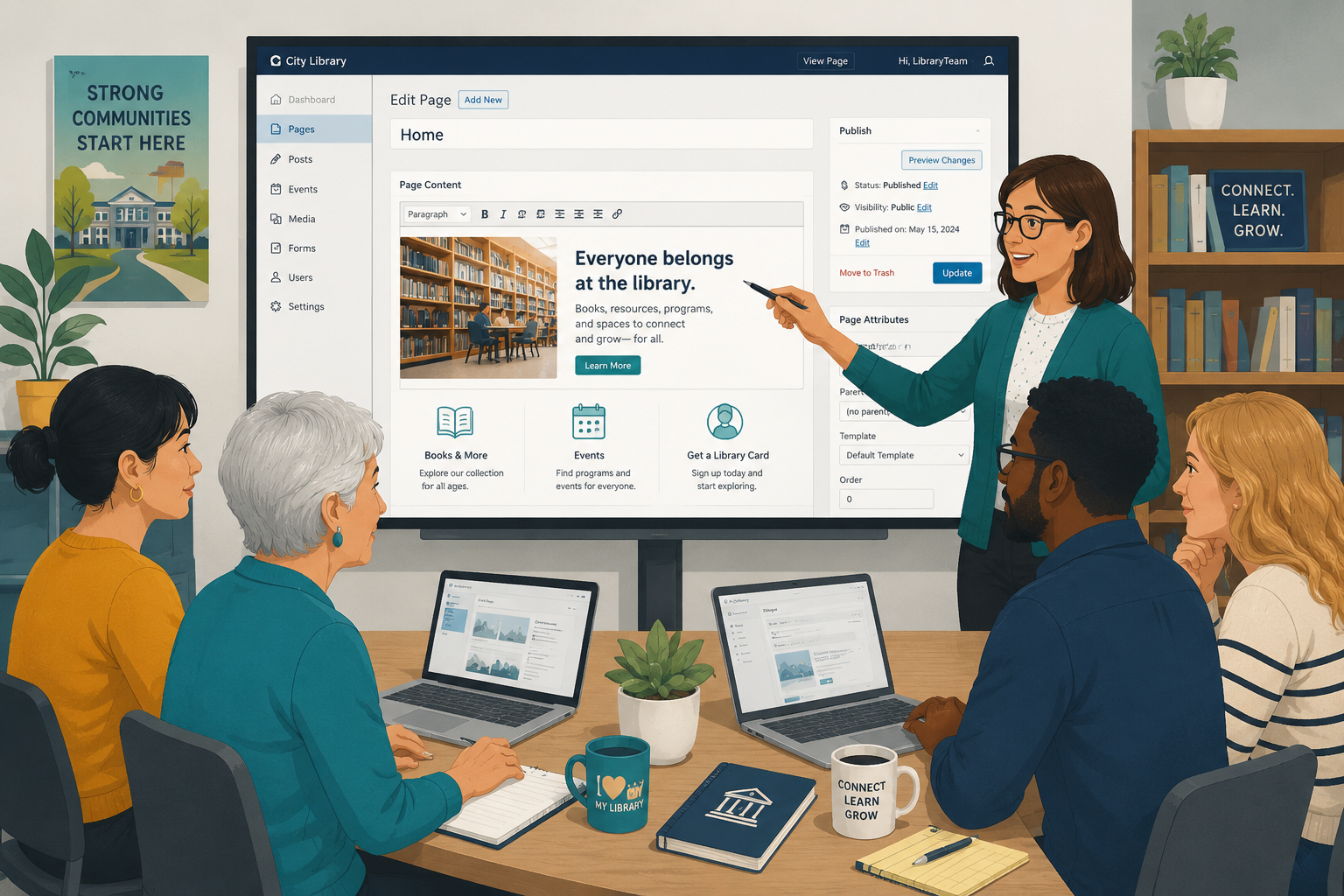
A major milestone: we show you the website live on a private preview site. Then our support engineer trains your team on the content management system (CMS) — you'll see how easy it is to update content yourself, no tech expert required.

Your part Bring everyone who'll be updating the site day to day.
CMS training session with library staff

Step 7Your Final Review Period

⏱ 1–2 weeks

Now it's your turn to play. Explore the preview site and click everything.

Your part Need revisions or updates? If you opted into the add-on for revisions, submit them now; otherwise, you can request a quote for any changes or requests.

Step 8Final Polish & Quick Fixes

⏱ ~1 week

Use this time to get familiar with the site and update the copy and content as you like in prep for launch. Following training, you will be equipped to make these changes.

If you have a scoped revision period (add-on) we'll work on implementing any revisions into the staging site.

Your part Explore the site and update copy and content as you prepare for launch.

Questions about this phase

Who moves the content from our old website?

Depends on your budget. However our team will outline the process for you and help you decide if you want to do it yourself or hire us to do it. Content migration is included in the build phase (Step 5) — up to a certain amount of content.

You can request a quote for content migration at any time before launch — we recommend doing this after training so you can see the site and understand the process (including how easy it is to update content).

How much of my team's time will this take?

Less than you'd think. Across the whole project, plan for: the initial questionnaire and homework, a Loom design review, one training meeting (1–1.5 hours), a few days of design feedback, and a review window where you explore the preview site at your own pace. Everything else is on us.

Do we need anyone technical on our team?

No. The CMS is designed so anyone on your staff can update content, and we train your whole team before launch (Step 6).

We haven't heard from you in a couple of weeks — is something wrong?

Almost certainly not! During the build (Step 5, typically 4–6 weeks), our developers are heads-down and no action is needed from you. We'll reach out when it's time for your sneak peek and training.

How do we send feedback during the review period?

During training we'll show you a simple page-by-page way to submit requests. Using it (rather than email) keeps every piece of feedback tracked and ensures nothing slips through the cracks.

Note: This is only applicable if you have a scoped revision period (add-on).

By the end of Phase 3: Your site is built, your team is trained, and your feedback is in.

Launching Your Site

~1 week

Step 9The Deep Dive Safety Check

⏱ 2–3 days

Our dedicated quality assurance (QA) team checks the site on all devices — phones, tablets, computers — and across browsers, so everything looks and works perfectly for every user. We also verify the site meets ADA and WCAG accessibility standards.

Step 10The Countdown Begins!

⏱ 2–3 days

We complete final performance and operational tasks to get everything launch-ready.

Your part Your account manager will work with you to schedule the exact day and time of your launch.

Step 11Your New Website is LIVE! 🎉

⏱ Publishing takes 1–2 hours

The big moment. Our engineers publish your site — and your gorgeous new, high-performing, fully responsive website is live for your community.

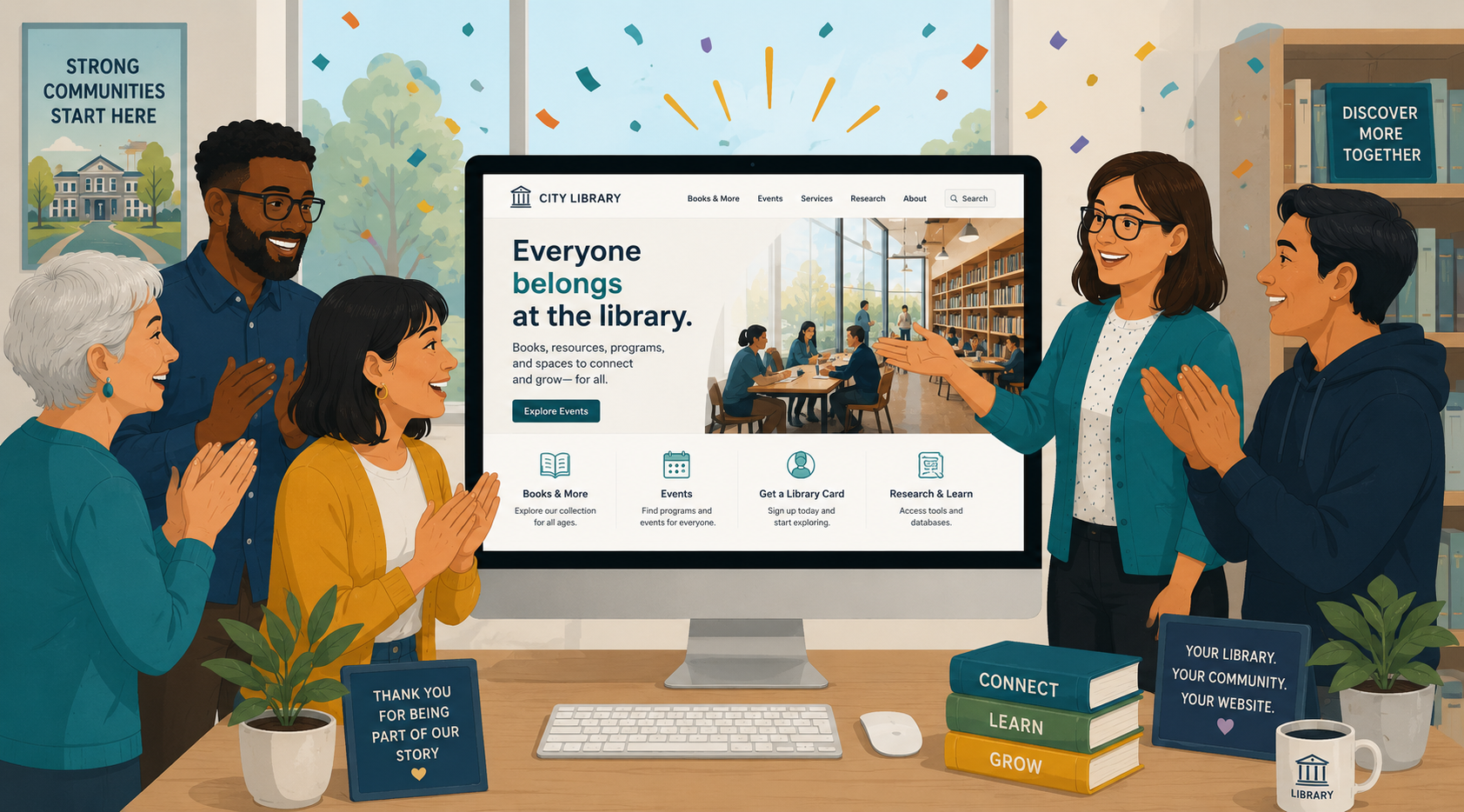
Library website launch celebration

Questions about this phase

Will the site work on phones and tablets?

Yes — the site is fully responsive and mobile-friendly, and our QA team tests it on all devices and browsers before launch (Step 9).

Will the site be accessible?

Yes. We verify the site meets ADA and WCAG accessibility standards as part of our quality assurance process.

Who decides the launch date?

You do, together with your account manager, during the launch countdown (Step 10). Launch itself usually takes just 1–2 hours.

What happens to our old website?

Your old site stays live throughout the project — your patrons won't notice a thing until the new site launches in its place.

Do you make a backup of our existing website?

As part of Phase 1, we'll ask you to work with your current hosting provider or IT team to create a complete backup (ZIP archive) of your existing website (for you to keep for your own records). This ensures you have a copy of the site before any work begins.

Before launch, we'll confirm that this backup has been completed. If you're unable to obtain one yourself, our team can typically create a backup for you, provided we have the necessary access to your website and hosting environment.

By the end of Phase 4: You're live!

Post-Launch Peace of Mind

1–2 weeks

Step 12Post-Launch Support

⏱ 7–14 days

We don't disappear after launch. For the next 1–2 weeks, our support team is on hand to answer questions as your team gets comfortable with the new site.

Want to keep the momentum going? Ask us about our ongoing support program — our team maintains and upgrades your site on a flexible, month-to-month basis.

Questions about this phase

What happens after launch?

You get 1–2 weeks of dedicated post-launch support while your team settles in. After that, ask us about our month-to-month ongoing support program for maintenance and upgrades.

Frequently Asked Questions

Type a keyword — like launch, feedback, or training — to find your answer instantly.

How long does the whole process take?

About 8 weeks start to launch, depending on how quickly feedback and approvals come back from your team. The fastest way to keep your project on schedule is to return homework and feedback within the timeframes listed above.

What if our team needs more time for reviews or approvals?

Our project timeline includes set windows for review, feedback, and approvals. Staying within those windows helps keep the project on schedule, within scope, and on budget. If your team has known scheduling conflicts, board meetings, vacations, or other timing considerations that could interrupt this timeline, let us know! Our team is happy to plan or postpone your kick-off date around your team's needs. Once the project begins, we’ll follow the timeline tied to your selected service level to avoid delays or overages. If more time is critical for your time, we can always discuss an addendum for a project extension.

How much of my team's time will this take?

Less than you'd think. Across the whole project, plan for: the initial questionnaire and homework, a Loom design review, one training meeting (1–1.5 hours), a few days of design feedback, and a review window where you explore the preview site at your own pace. Everything else is on us.

Who moves the content from our old website?

Depends on your budget. However our team will outline the process for you and help you decide if you want to do it yourself or hire us to do it. Content migration is included in the build phase (Step 5) - up to a certain amount of content.


You can request a quote for content migration at any time before launch - we recommend doing this after training so you can see the site and understand the process (including how easy it is to update content).

Do we need anyone technical on our team?

No. The CMS is designed so anyone on your staff can update content, and we train your whole team before launch (Step 6).

When do we get to see the design?

At the Big Design Reveal (Step 2), about 1–2 weeks into the project. You'll receive a Loom video with the full design and sitemap — not rough sketches — so you can react to something that looks and feels like the real thing.

Can we make changes after we approve the design?

The design approval (Step 4) is what allows our developers to begin building, so significant design changes after that point can affect the timeline. That's why we build in a dedicated feedback window (Step 3) — take the time you need there.

We haven't heard from you in a couple of weeks — is something wrong?

Almost certainly not! During the build (Step 5, typically 4–6 weeks), our developers are heads-down and no action is needed from you. We'll reach out when it's time for your sneak peek and training.

How do we send feedback during the review period?

During training we'll show you a simple page-by-page way to submit requests. Using it (rather than email) keeps every piece of feedback tracked and ensures nothing slips through the cracks.

Note: This is only applicable if you have a scoped revision period (add-on).

Will the site work on phones and tablets?

Yes — the site is fully responsive and mobile-friendly, and our QA team tests it on all devices and browsers before launch (Step 9).

Will the site be accessible?

Yes. We verify the site meets ADA and WCAG accessibility standards as part of our quality assurance process.

Who decides the launch date?

You do, together with your account manager, during the launch countdown (Step 10). Launch itself usually takes just 1–2 hours.

What happens to our old website?

Your old site stays live throughout the project — your patrons won't notice a thing until the new site launches in its place.

What happens after launch?

You get 1–2 weeks of dedicated post-launch support while your team settles in. After that, ask us about our month-to-month ongoing support program for maintenance and upgrades.

Can we add patron or community feedback to the process?

Yes — we offer optional community surveys, heat mapping, and wireframe testing early in the project (Phases 1–2). Just mention it when you return your questionnaire, or earlier.

Do you make a backup of our existing website?

As part of Phase 1, we'll ask you to work with your current hosting provider or IT team to create a complete backup (ZIP archive) of your existing website (for you to keep for your own records). This ensures you have a copy of the site before any work begins.

Before launch, we'll confirm that this backup has been completed. If you're unable to obtain one yourself, our team can typically create a backup for you, provided we have the necessary access to your website and hosting environment.

No matches for that search. Try a different keyword — or scroll down to reach your account manager.

Still Have a Question?

  1. Check this page first — most answers about timing, next steps, and "is this normal?" live here.
  2. During your review period, use the page-by-page feedback process from training — it's faster than email and keeps everything tracked.
  3. Anything else? Contact us and we'll be happy to help.
Contact Us