Complete Works Process

Your New Library Website: What to Expect at Every Step

Building a new website should be exciting — not another thing on your plate. This page walks you through our entire Complete Works process, phase by phase, so you always know what's happening, what's coming next, and what (if anything) we need from you.

Bookmark this page. Whenever you're wondering "what's next?" or "is this normal?", the answer is probably right here.

📅  Total timeline: 3–4 months from kick-off to launch

Easy to manageYour team updates content — no tech expert needed
Mobile-friendlyLooks great on every phone, tablet, and computer
AccessibleMeets ADA and WCAG accessibility standards
Built for your communityDesigned around how your patrons use the library
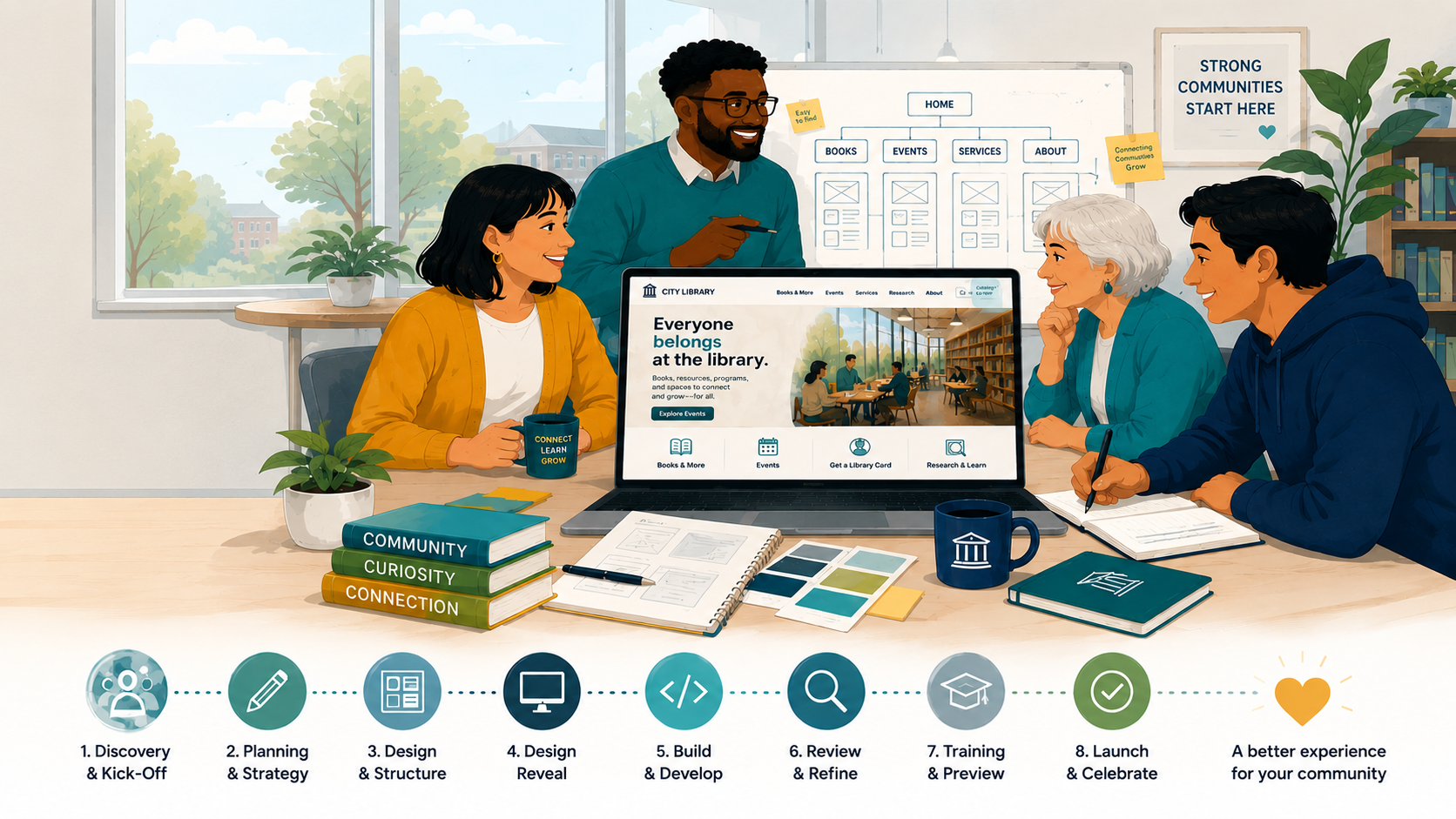
Finished library website shown on laptop and phone

Your Timeline at a Glance

The 30-second version. Every phase is broken down in detail below.

PhaseWhat HappensHow LongWhat We Need From You
1 · Getting StartedQuestionnaire + kick-off meetingDays 1–5Branding files, account list, 1 meeting
2 · DesignDesign reveal + your feedback1–2 weeks1 meeting, feedback, final approval
3 · Build & TrainingWe build; you preview and train5–8 weeksNothing at first, then training + review
4 · LaunchQuality checks, then go live~1 weekPick a launch date with your account manager
5 · Post-LaunchSupport while you settle in1–2 weeksJust your questions!

Questions about the overall timeline

How long does the whole process take?

About 3–4 months from kick-off to launch, depending on how quickly feedback and approvals come back from your team. The fastest way to keep your project on schedule is to return homework and feedback within the timeframes listed above.

Getting Started

Days 1–5

Step 1Tell Us Your Vision

We start by learning all about your library. We'll send you a short questionnaire covering your current frustrations, your goals for the new site, who your patrons are, and any special features you'd like to plan for.

Your part (homework)

Optional add-on: Want to hear directly from your community first? We can run patron surveys and heat mapping so the design is grounded in how people actually use your site.
Step 2The Project Kick-Off

🗓 Meeting: 1–1.5 hours

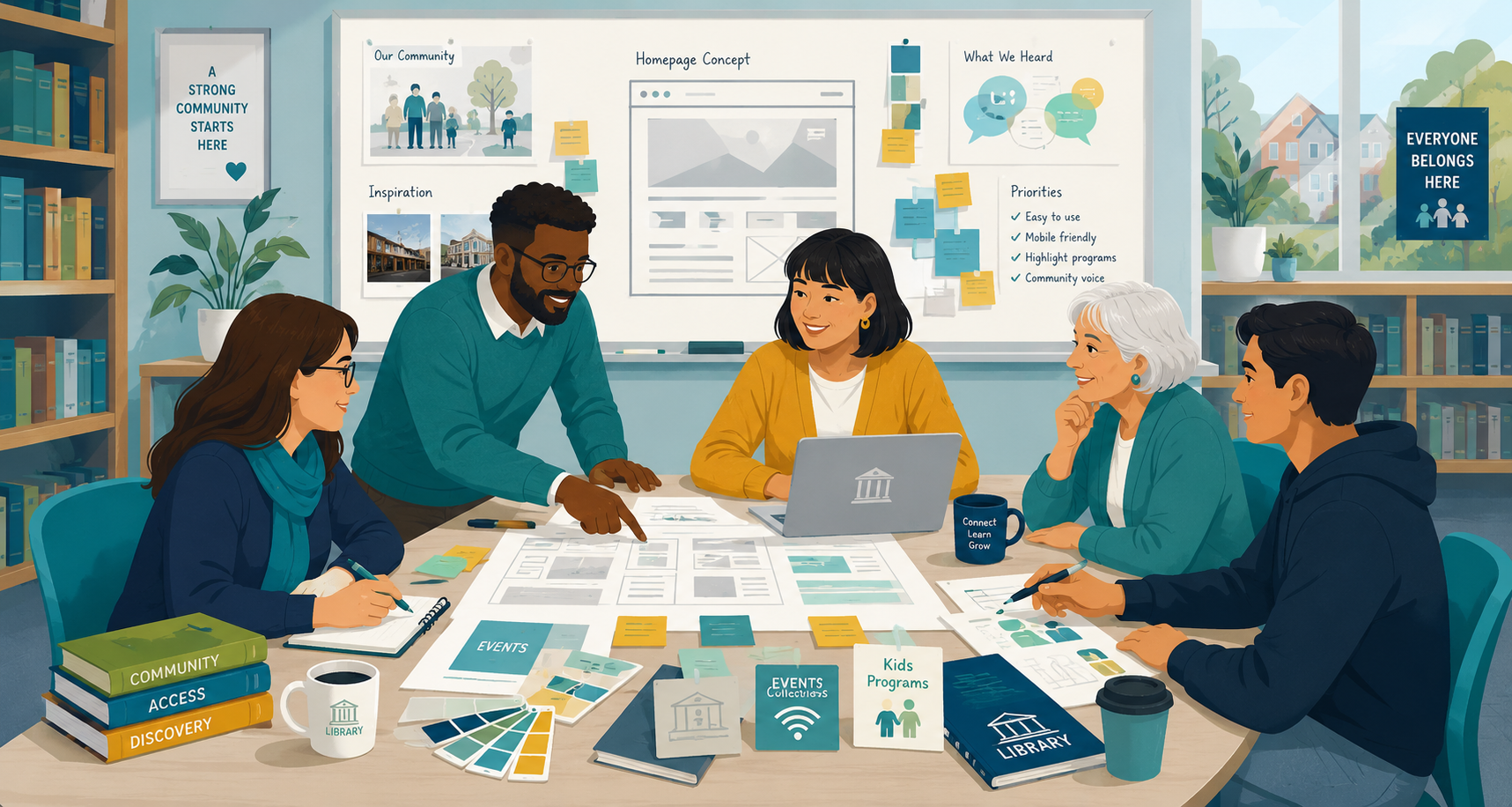
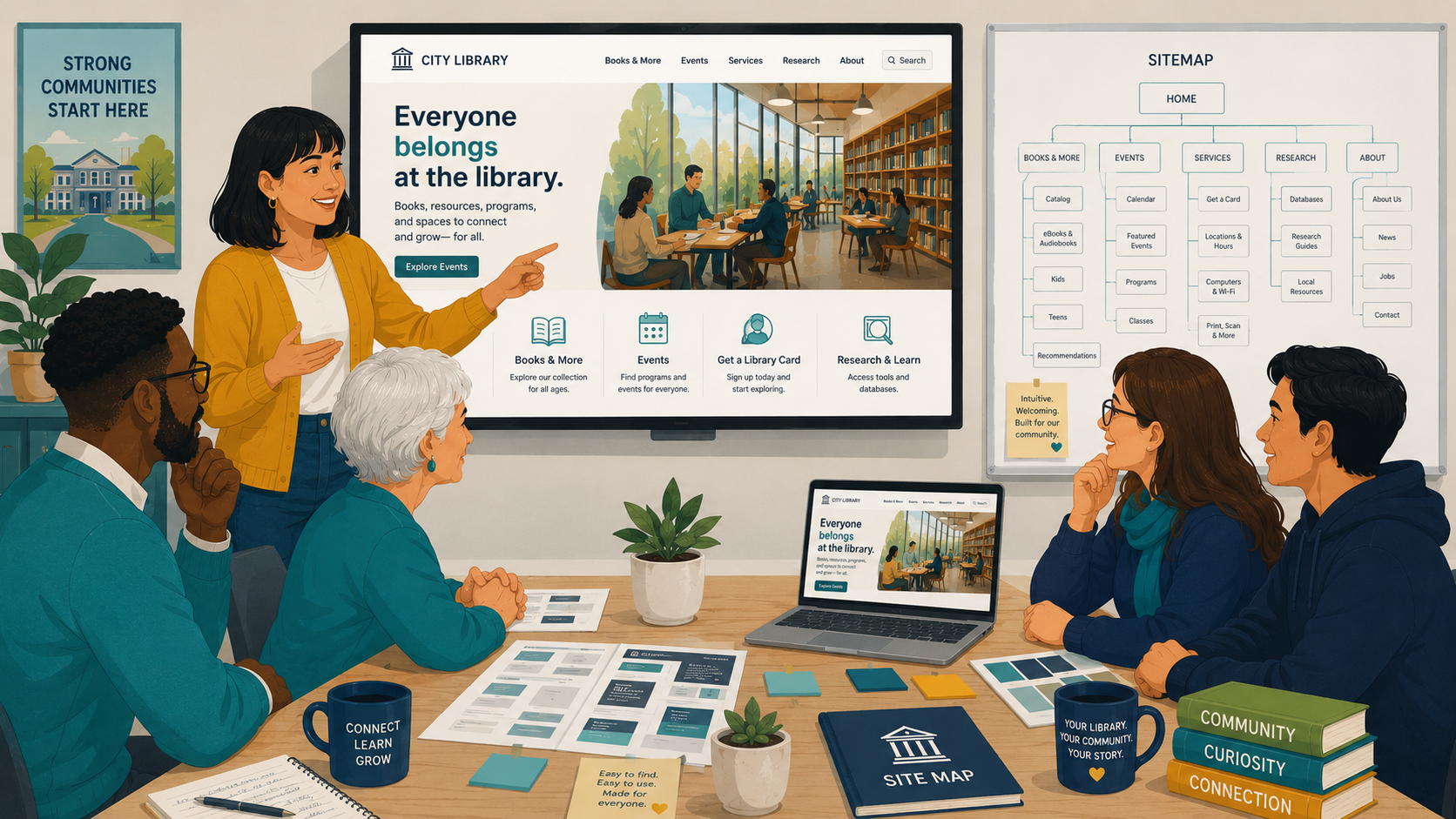
One of the most exciting parts! We meet with your team and our creative experts to talk style, personality, and what your site should feel like. Together we align on a look that reflects your library's evolving role in the community.

Optional add-on: If you'd like community feedback before design begins, we can test ideas using simple blueprints (wireframes).

Project kick-off meeting with library team and creative experts

Questions about this phase

Can we add patron or community feedback to the process?

Yes — we offer optional community surveys, heat mapping, and wireframe testing early in the project (Phases 1–2). Just mention it during kick-off, or earlier.

Do you make a backup of our existing website?

As part of Phase 1, we'll ask you to work with your current hosting provider or IT team to create a complete backup (ZIP archive) of your existing website (for you to safe keep for your own records). This ensures you have a copy of the site before any work begins.

Before launch, we'll confirm that this backup has been completed. If you're unable to obtain one yourself, our team can typically create a backup for you, provided we have the necessary access to your website and hosting environment.

By the end of Phase 1: We know your goals, your brand, and your vision — and we're off to the design studio.

Designing Your Site

1–2 weeks

Step 3The Big Design Reveal

🗓 Meeting: 1 hour⏱ 1–2 weeks after kick-off

We present the full design of your new website — it looks and feels like the real thing. We'll also walk you through the proposed site structure (the "sitemap") to make sure visitors can find resources easily and the site is intuitive to navigate.

Your part Come ready to react! First impressions are useful — and nothing is final yet.
Homepage design wireframes and concept review

Step 4Finalizing the Look

⏱ 2–5 days

Take a few days to sit with the designs and gather feedback from your team.

Your part Send us your feedback. We'll work with you to refine the design and structure until it matches exactly what you want. We want you to love it.

Step 5Ready, Set, Build!

Once you give the final "go-ahead," our project lead approves everything and hands it to our technical team.

Your part One official approval — then you can relax.

Questions about this phase

When do we get to see the design?

At the Big Design Reveal (Step 3), about 1–2 weeks after kick-off. You'll see the full design — not rough sketches — so you can react to something that looks and feels like the real thing.

Can we make changes after we approve the design?

The design approval (Step 5) is what allows our developers to begin building, so significant design changes after that point can affect the timeline. That's why we build in a dedicated feedback window (Step 4) — take the time you need there. You'll still have a full review period (Step 8) for refinements and smaller requests before launch.

By the end of Phase 2: Your design is approved and development begins.

Building & Training

5–8 weeks

Step 6Our Team Builds Your Site

⏱ Typically 4–6 weeks

This is where the magic happens. Our developers build your custom website, and we handle the content migration — moving your existing content from the old site to the new one.

Your part: nothing! This stage is entirely on us. Quiet from us during this stretch is normal — it means heads-down building.

Step 7Site Reveal & Hands-On Training

🗓 Meeting: 1–1.5 hours

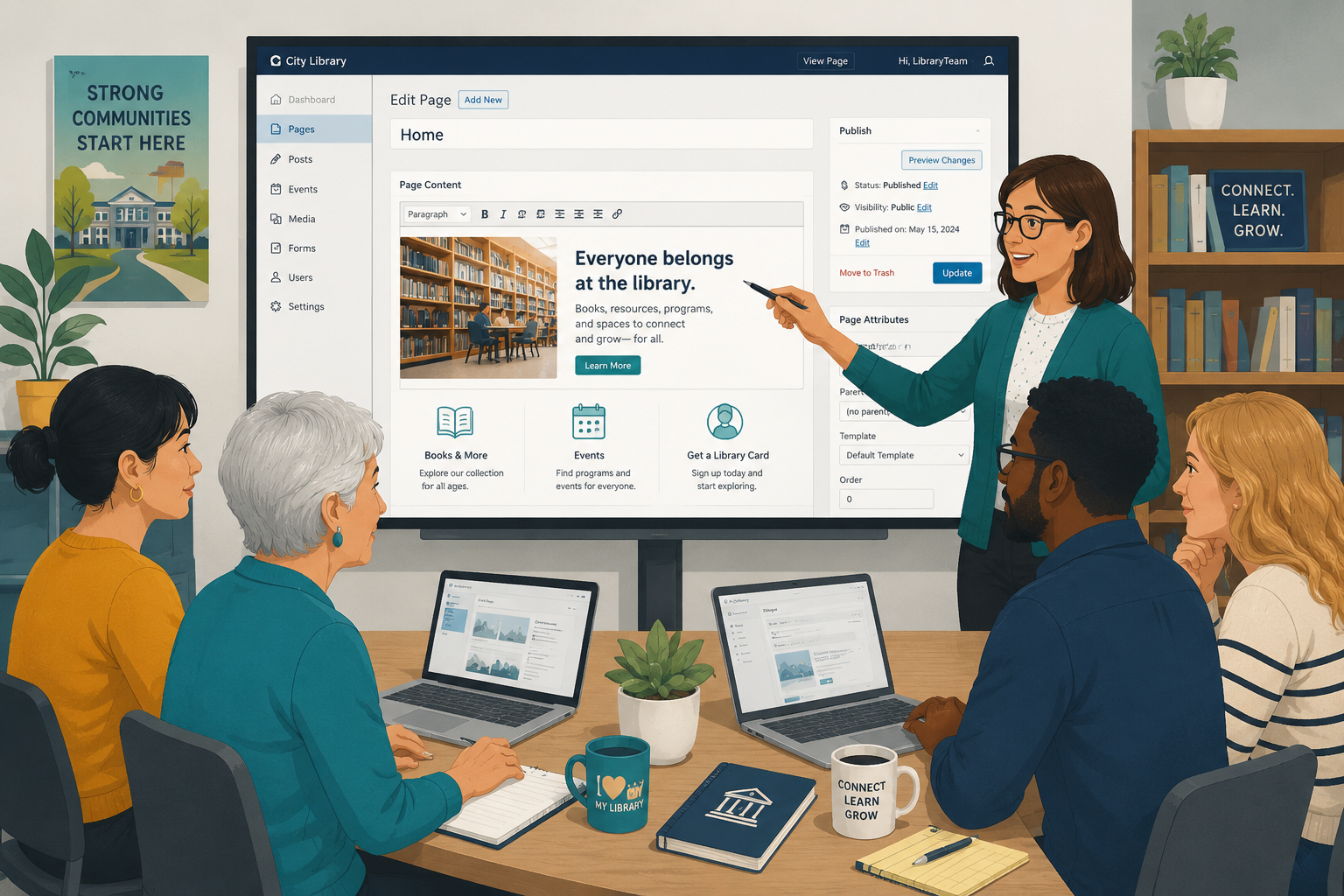
A major milestone: we show you the website live on a private preview site. Then our support engineer trains your team on the content management system (CMS) — you'll see how easy it is to update content yourself, no tech expert required.

Your part Bring everyone who'll be updating the site day to day.
CMS training session with library staff

Step 8Your Final Review Period

⏱ 1–2 weeks

Now it's your turn to play. Explore the preview site, click everything, and submit any small requests or feedback — easily, page by page.

Your part Review the site and submit feedback through the page-by-page process we'll show you in training. (This keeps everything organized and nothing gets lost in email threads.)

Step 9Final Polish & Quick Fixes

⏱ ~1 week

We review all your feedback and implement the changes, then notify you when updates are complete.

Your part: nothing! We've got it from here.

Questions about this phase

Who moves the content from our old website?

Depends on your budget. However our team will outline the process for you and help you decide if you want to do it yourself or hire us to do it. Content migration is included in the build phase (Step 6) — up to a certain amount of content.

How much of my team's time will this take?

Less than you'd think. Across the whole project, plan for: three meetings (each 1–1.5 hours), the initial questionnaire and homework, a few days of design feedback, and a 1–2 week review window where you explore the preview site at your own pace. Everything else is on us.

Do we need anyone technical on our team?

No. The CMS is designed so anyone on your staff can update content, and we train your whole team before launch (Step 7).

We haven't heard from you in a couple of weeks — is something wrong?

Almost certainly not! During the build (Step 6, typically 4–6 weeks), our developers are heads-down and no action is needed from you. We'll reach out when it's time for your sneak peek and training.

How do we send feedback during the review period?

During training we'll show you a simple page-by-page way to submit requests. Using it (rather than email) keeps every piece of feedback tracked and ensures nothing slips through the cracks.

By the end of Phase 3: Your site is built, your team is trained, and your feedback is in.

Launching Your Site

~1 week

Step 10The Deep Dive Safety Check

⏱ 2–3 days

Our dedicated quality assurance (QA) team checks the site on all devices — phones, tablets, computers — and across browsers, so everything looks and works perfectly for every user. We also verify the site meets ADA and WCAG accessibility standards.

Step 11The Countdown Begins!

⏱ 2–3 days

We complete final performance and operational tasks to get everything launch-ready.

Your part Your account manager will work with you to schedule the exact day and time of your launch.

Step 12Your New Website is LIVE! 🎉

⏱ Publishing takes 1–2 hours

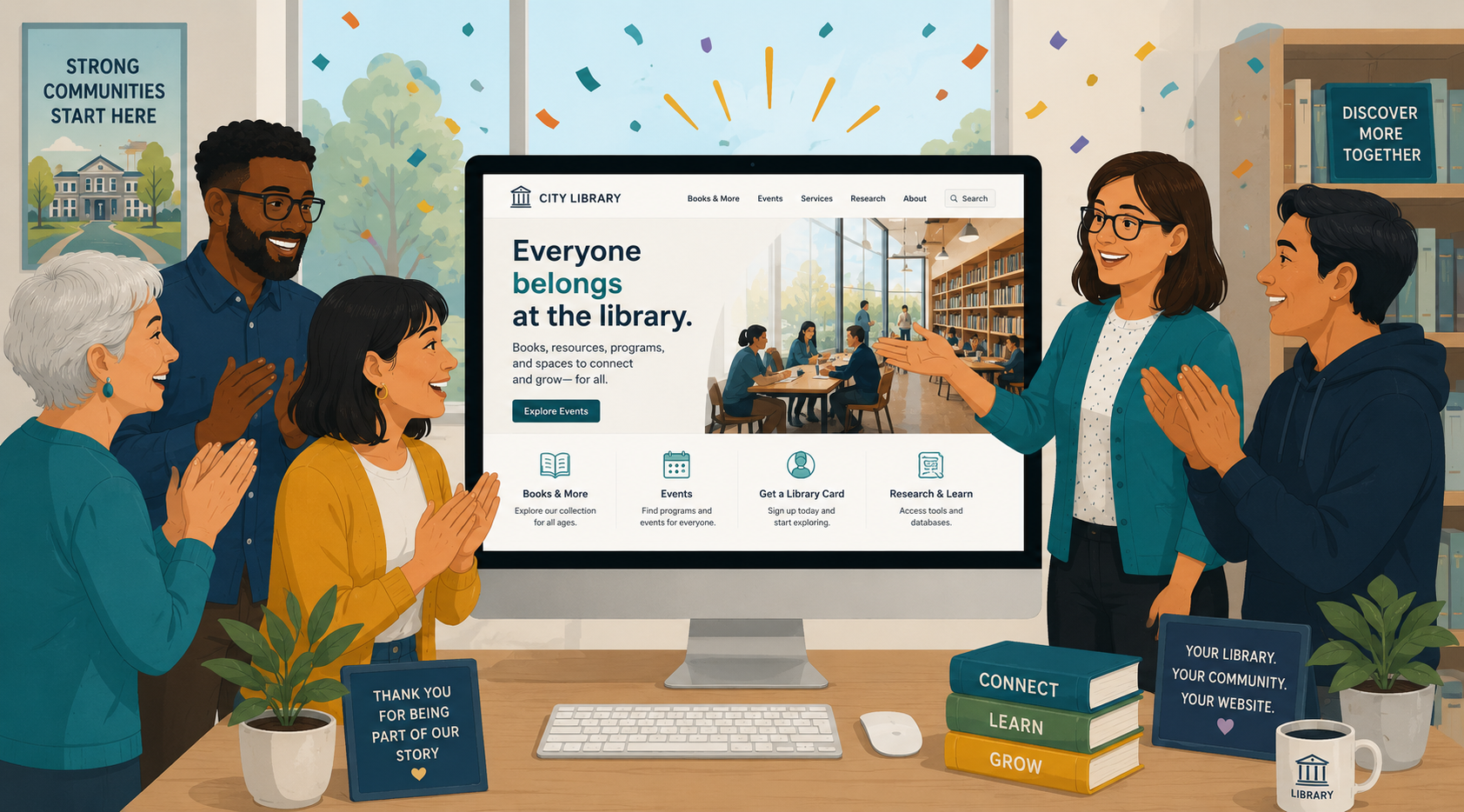
The big moment. Our engineers publish your site — and your gorgeous new, high-performing, fully responsive website is live for your community.

Library website launch celebration

Questions about this phase

Will the site work on phones and tablets?

Yes — the site is fully responsive and mobile-friendly, and our QA team tests it on all devices and browsers before launch (Step 10).

Will the site be accessible?

Yes. We verify the site meets ADA and WCAG accessibility standards as part of our quality assurance process.

Who decides the launch date?

You do, together with your account manager, during the launch countdown (Step 11). Launch itself usually takes just 1–2 hours.

What happens to our old website?

Your old site stays live throughout the project — your patrons won't notice a thing until the new site launches in its place.

Do you make a backup of our existing website?

As part of Phase 1, we'll ask you to work with your current hosting provider or IT team to create a complete backup (ZIP archive) of your existing website (for you to safe keep for your own records). This ensures you have a copy of the site before any work begins.

Before launch, we'll confirm that this backup has been completed. If you're unable to obtain one yourself, our team can typically create a backup for you, provided we have the necessary access to your website and hosting environment.

By the end of Phase 4: You're live!

Post-Launch Peace of Mind

1–2 weeks

Step 13Post-Launch Support

⏱ 7–14 days

We don't disappear after launch. For the next 1–2 weeks, our support team is on hand to answer questions as your team gets comfortable with the new site.

Want to keep the momentum going? Ask us about our ongoing support program — our team maintains and upgrades your site on a flexible, month-to-month basis.

Questions about this phase

What happens after launch?

You get 1–2 weeks of dedicated post-launch support while your team settles in. After that, ask us about our month-to-month ongoing support program for maintenance and upgrades.

Frequently Asked Questions

Type a keyword — like launch, feedback, or training — to find your answer instantly.

How long does the whole process take?

About 3–4 months from kick-off to launch, depending on how quickly feedback and approvals come back from your team. The fastest way to keep your project on schedule is to return homework and feedback within the timeframes listed above.

How much of my team's time will this take?

Less than you'd think. Across the whole project, plan for: three meetings (each 1–1.5 hours), the initial questionnaire and homework, a few days of design feedback, and a 1–2 week review window where you explore the preview site at your own pace. Everything else is on us.

Who moves the content from our old website?

Depends on your budget. However our team will outline the process for you and help you decide if you want to do it yourself or hire us to do it. Content migration is included in the build phase (Step 6) - up to a certain amount of content.

Do we need anyone technical on our team?

No. The CMS is designed so anyone on your staff can update content, and we train your whole team before launch (Step 7).

When do we get to see the design?

At the Big Design Reveal (Step 3), about 1–2 weeks after kick-off. You'll see the full design — not rough sketches — so you can react to something that looks and feels like the real thing.

Can we make changes after we approve the design?

The design approval (Step 5) is what allows our developers to begin building, so significant design changes after that point can affect the timeline. That's why we build in a dedicated feedback window (Step 4) — take the time you need there. You'll still have a full review period (Step 8) for refinements and smaller requests before launch.

We haven't heard from you in a couple of weeks — is something wrong?

Almost certainly not! During the build (Step 6, typically 4–6 weeks), our developers are heads-down and no action is needed from you. We'll reach out when it's time for your sneak peek and training.

How do we send feedback during the review period?

During training we'll show you a simple page-by-page way to submit requests. Using it (rather than email) keeps every piece of feedback tracked and ensures nothing slips through the cracks.

Will the site work on phones and tablets?

Yes — the site is fully responsive and mobile-friendly, and our QA team tests it on all devices and browsers before launch (Step 10).

Will the site be accessible?

Yes. We verify the site meets ADA and WCAG accessibility standards as part of our quality assurance process.

Who decides the launch date?

You do, together with your account manager, during the launch countdown (Step 11). Launch itself usually takes just 1–2 hours.

What happens to our old website?

Your old site stays live throughout the project — your patrons won't notice a thing until the new site launches in its place.

What happens after launch?

You get 1–2 weeks of dedicated post-launch support while your team settles in. After that, ask us about our month-to-month ongoing support program for maintenance and upgrades.

Can we add patron or community feedback to the process?

Yes — we offer optional community surveys, heat mapping, and wireframe testing early in the project (Phases 1–2). Just mention it during kick-off, or earlier.

Do you make a backup of our existing website?

As part of Phase 1, we'll ask you to work with your current hosting provider or IT team to create a complete backup (ZIP archive) of your existing website (for you to safe keep for your own records). This ensures you have a copy of the site before any work begins.

Before launch, we'll confirm that this backup has been completed. If you're unable to obtain one yourself, our team can typically create a backup for you, provided we have the necessary access to your website and hosting environment.

No matches for that search. Try a different keyword — or scroll down to reach your account manager.

Still Have a Question?

  1. Check this page first — most answers about timing, next steps, and "is this normal?" live here.
  2. During your review period, use the page-by-page feedback process from training — it's faster than email and keeps everything tracked.
  3. Anything else? Contact us and we'll be happy to help.
Contact Us